A calmer family TV, without the risk: the safety rules behind Orbit OS
By Shivam Anil Jha · AI architect & full-stack developer, Mumbai ·
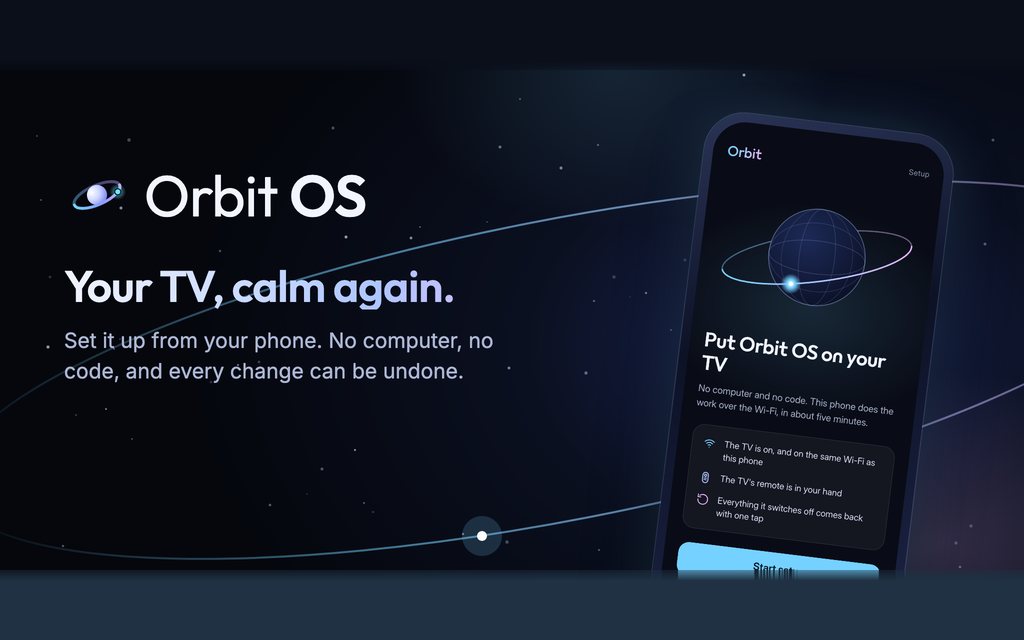
- What
- A free Android app that sets up a Google TV or Android TV from a phone, and undoes it
- For
- The TV the whole family shares
- Tested on
- A Xiaomi TV A Pro with Google TV 14
- Code
- Open source under GPL-3.0, on GitHub
I have already written about how Orbit OS works, and about its ADB client in pure Dart. This post is about who it is for, and the rules I wrote before any feature: a tool that changes a family's TV has to be harder to break than the TV itself.
The TV everyone shares
Orbit was built and tested on the TV in our family room, a Xiaomi TV A Pro with Google TV 14. A new Google TV starts with a home screen full of rows nobody asked for, and dozens of preinstalled apps that wake up with the TV, and this one was no different. For someone who only wants the news, a serial or a bhajan, that is a lot of screen to get through.
The people who use a family TV most are rarely the ones who would type an ADB command. That shaped what Orbit puts on it:
- Orbit Home shows only the apps the family uses, with a greeting, the date and the weather, and colours that change for festivals like Diwali, Holi and Chhath.
- Orbit Live TV has about 30 free Hindi channels (news, serials, bhakti, kids and movies), played from the broadcasters' own streams.
- The phone is the remote, and in Help mode you can see the TV's screen on your phone and press its buttons for someone at home, even when you are away, after a Google sign-in. The TV shows who is watching, and help ends by itself.
But the person who runs Orbit's setup is usually not the person who lives with the TV every day. If setup goes wrong, someone's parents are left with a TV that boots to an empty screen. So the safety rules came first.
Rule 1: write the TV down before touching it
The first step of setup changes nothing. It records how the TV is right now: which app is the home screen, which accessibility services are on, and the screensaver. Every app that setup then switches off is added to that record the moment Android confirms the change, and each line is also sent to the phone, which keeps its own copy.
If the TV ever loses its record, the phone sends its copy back before undo runs. And if setup runs a second time, it keeps the first record, because that is the one that knows how the TV was.
Rule 2: switch off, never delete
Orbit switches apps off with Android's own disable command. It never uninstalls an app that came with the TV; the only apps it ever removes are its own. A list of core packages is never touched at all: the system UI, settings, the permission controller, the package installer, Android's providers and the TV's own tuner services. On a TV it has not been tested on, Orbit offers only the changes known to be safe on any TV.
On the test TV, setup switched off 32 preinstalled apps and deleted none.
Rule 3: the home screen goes last
The stock home screen is the one thing whose loss leaves a TV with nothing to show. So the order is fixed. Orbit installs Orbit Home, starts it, and waits for Android to report that it really came up. Only then does it switch off the stock launcher and the packages tied to it. Then it makes Orbit Home the home screen and asks Android what the home screen is now.
If the answer is not Orbit Home, setup switches the stock packages back on, makes the old home screen the home again, and tells you the TV was put back the way it was. If Orbit Home fails to install or start, setup stops right there and the TV keeps its own home screen.
Rule 4: undo in the safest order
Undo reads the record and works through it by risk. The TV's own home screen comes back first, so there is never a moment without one. Then the apps are switched back on and the settings restored. Orbit's own apps go last, and never the one that is still the home screen.
Smaller things that follow from the same idea
- Setup asks five plain questions and shows the whole plan on the phone before it changes anything.
- The TV's original setup can be backed up to the family's own Google Drive.
- The pairing token that connects the phone to the TV is deleted from the TV once it has been handed over, along with the install files.
- The scripts on the TV are written for Android's own small shell (mksh and toybox), not bash, because that is what a TV has.
On the test TV, setup takes about 5 minutes from pressing Allow to the finished home screen. The case study has the rest of the measured numbers.