How Clonix turns a website into design tokens for Cursor, Claude Code and Windsurf
By Shivam Anil Jha · AI architect & full-stack developer, Mumbai ·
- What
- A Chrome extension and a small backend that read a website's design
- Gives you
- Rules for Cursor, Claude Code, Windsurf, Codex and Copilot; Tailwind and CSS themes; components
- Built with
- TypeScript, React and Tailwind in the extension; Node and Express on the server; Claude for components
- Team
- My product, built with the Sqaron team
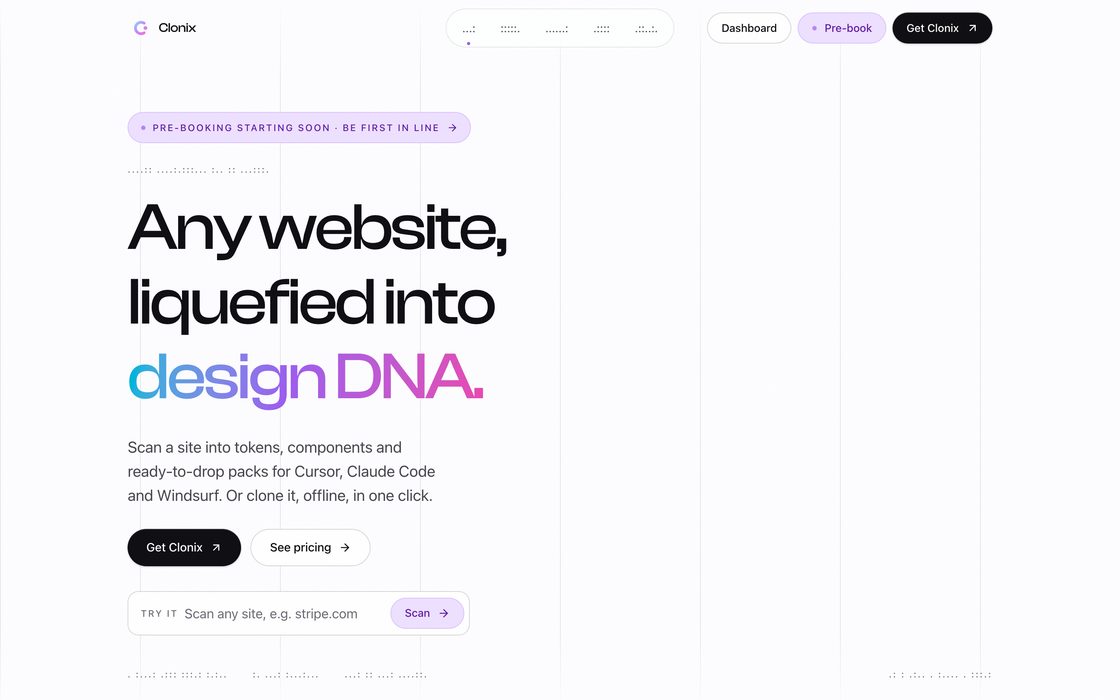
Ask an AI code editor to make something look like a site you like, and you get something close but wrong. The blue is a shade off, the headings use Tailwind's default sizes, and the shadows are invented. The editor never saw the site; it is working from memory. Clonix is my answer to that: it measures the real page in your browser and hands your editor the numbers.
Clonix is a Chrome extension with a small backend, and I built it with the Sqaron team. This post is about the half that reads a page: how a live website becomes design tokens and editor rules.
Measuring what a visitor actually sees
The scan is one function that the extension injects into the page's main world, so it can read computed styles, the loaded fonts and the live DOM, not just the HTML source. It makes a single walk over the elements a visitor can actually see. Anything that is display: none, invisible, fully transparent, parked off-screen at -9999px or clipped to a 1px box (skip links and screen-reader text) doesn't count. Decorations marked aria-hidden still count for what they draw, but never as buttons.
The walk has a budget: at most 6,000 visible elements in 300 ms. Whatever it doesn't reach is counted and reported with the scan, never guessed.
Code reads CSS, but people see paint. Most of the rules in the walk come from that difference:
- Colours are weighted by how much of the screen they paint and how many characters are set in them, not by how often they appear in a stylesheet.
- A fully transparent colour paints nothing, so it is ignored. An early version turned
rgba(0, 0, 0, 0)into#000000, which is black. - A semi-transparent colour is blended over whatever is under it.
- A gradient background has no
background-color, so its colour is the average of its stops along the line. - Newer colour formats such as
oklch()andlab()are read by painting them into a 1-pixel canvas, which understands every syntax the browser does. - The page background is the deepest full-page box with an opaque background, not just
body. On many sites a wrapper inside the app's root element paints over everything.
From measurements to roles
A list of twenty colours doesn't help an editor much. It needs to know what each one is for, so Clonix gives them roles:
- Primary: the most common filled button whose label has at least 3:1 contrast. If the site names that colour in a CSS variable such as
--primaryor--color-primary, the site's own choice wins. - Ink: the strongest of the colours the headings are set in.
- Muted: a quieter grey that still reads at 3:1 against the page.
- Link and border: the colour links are drawn in, and the hairline colour that boxes use.
Type works the same way. The h1, h2 and h3 styles come from the headings. Body is the size most of the other text is set in, in its most-used style, and small is the most-used size below that, when there is enough of it. Spacing gets a base of 8 or 4 pixels when that number divides at least 80% of the paddings, gaps and margins it measured; otherwise Clonix lists the values in use.
Writing it where each editor looks
From one scan, Clonix writes the same design brief in the place each tool reads it:
.cursor/rules/clonix-design.mdc, a Cursor project rule that is always onCLAUDE.md, Claude Code's project memory.windsurfrulesfor WindsurfAGENTS.mdfor Codex and other agents, and.github/copilot-instructions.mdfor Copilottailwind.config.tsfor Tailwind v3,clonix-theme.cssfor Tailwind v4's@theme, plaintokens.css, anddesign-tokens.jsonin the W3C design tokens format
This step uses no network and no AI. It is plain code over the scan, so the same scan always gives the same files.
Two decisions in those files matter more than they look. First, measured values never take Tailwind's own scale names. A site's heading size becomes text-h1, its card radius rounded-card, its shadow shadow-elevation-1. If Clonix wrote the site's 15px text as text-sm, it would quietly change what text-sm means in your project, and the editor would trust the wrong name.
Second, the brief is written as rules, not suggestions. Use the tokens exactly and never approximate. Use only the site's breakpoints, in the direction the site uses them, mobile-first or desktop-first. For dark mode, switch with the site's own selector and use its dark values instead of inverting colours by hand. If the page was scanned with its dark theme showing, the brief says so, so nobody mistakes those colours for the light theme.
Components, with AI
The one step that uses AI is turning a section into a component. You pick a section of the page, and Clonix sends its cleaned HTML and the tokens to Claude, which writes a React and Tailwind, Vue 3, or plain HTML and CSS component. The instructions say to use the tokens exactly, to treat the captured HTML as a picture of the layout rather than code to copy, and to drop framework noise like hashed class names, tracking attributes and extra wrapper divs.
Clonix can also save a page as an offline ZIP that runs with one click, but that is a story for another post.
What I learned
The editor files are the easy part. The work is in measuring what the eye sees: a heading whose highlighted word is in another colour, a link that is styled as a button, a skip link that is technically on the page. Each of those became a rule in the walk, and each rule made the files the editor reads a little more honest.